The Crucial Role of Accessibility in Modern SEO and Web Design Strategies

Making your website work for everyone is more than just a good idea these days. It's actually a pretty big deal for how people find you online and how they use your site. We're talking about accessibility, and it's really changing the game for SEO and web design. It’s about making sure that no matter who visits, they can get what they need without running into walls. This guide looks at why that matters and how to do it right.
Key Takeaways
- Making your website accessible helps it rank better in search results. It's a smart way to improve your online standing.
- When a site is easy for everyone to use, people stick around longer and interact more. This is good for both users and search engines.
- Accessible design means thinking about all users from the start. This includes making sure content works on phones and other devices, which search engines like Google pay attention to.
- A site that's easy to access gets shared more and earns links from other sites. This builds your brand's good name as a place that cares about everyone.
- The future points to accessibility being a standard part of web design, not just an option. Keeping up with these changes is important for staying visible online.
The SEO Advantages of Prioritizing Web Accessibility
Thinking about SEO and web design? You might not immediately connect it with making your website usable for everyone, but you really should. It turns out that building an accessible site isn't just the right thing to do; it's also a smart move for your search engine rankings. When you make your website easy for all people to use, you're naturally ticking a lot of boxes that search engines like Google care about.
Cost-Effective Strategy for Enhanced Rankings
It might seem like an extra expense at first, but making your site accessible from the get-go actually saves money down the line. You avoid those big, costly redesigns later to fix accessibility issues or meet new rules. Plus, accessible sites often have cleaner code, which makes them easier and cheaper to maintain. It’s like building a house with good foundations – less fixing needed later.
- Reduced future overhaul costs: Build it right the first time.
- Simpler website upkeep: Clean code means less hassle.
- Better SEO from the start: Accessibility features help SEO directly.
- Avoid legal fees: Stay compliant and skip the fines.
Building accessibility into your website from the beginning is a proactive approach that pays off. It means less scrambling to fix problems later and a more stable, adaptable online presence.
Improved User Experience and Engagement
When a website is easy for everyone to use, people tend to stick around longer. They can find what they need without getting frustrated. This means more time spent on your pages, fewer people bouncing off, and a better overall feeling about your brand. Search engines notice this engagement. If users are happy and interacting with your site, it signals that your content is good and relevant.
Mobile-First Indexing and Accessibility
Google now looks at the mobile version of your website first when deciding how to rank it. This is called mobile-first indexing. So, if your mobile site isn't accessible, you're already at a disadvantage. Making your mobile site easy to use for people with disabilities – think clear buttons, readable text, and simple navigation – also makes it better for everyone, especially on smaller screens. This attention to mobile usability directly helps your search rankings.
Integrating Accessibility into Web Design Principles
Making your website accessible isn't just an add-on; it's about building it right from the start. Think of it like constructing a building – you wouldn't put up walls without considering ramps or wide doorways. It's about making sure everyone, no matter their abilities, can get around and use what you've built.
Core Principles of Inclusive Design
At its heart, inclusive design means thinking about everyone. The Web Content Accessibility Guidelines (WCAG) break this down into four main ideas that guide how we build accessible sites:
- Perceivability: Can people actually see and understand the information? This means providing text alternatives for images so screen readers can describe them, or captions for videos. It’s like making sure the music at a party can be enjoyed by everyone, whether they can hear it or need the lyrics written down.
- Operability: Can people use the site easily? This covers things like making sure you can navigate everything with just a keyboard, not just a mouse. It’s about creating clear paths so everyone can move through your digital space without getting stuck.
- Understandability: Is the information clear and easy to grasp? This involves using plain language and making sure navigation is predictable. Think of clear labels on forms; they tell people exactly what’s needed, cutting out confusion.
- Robustness: Will the site work with different technologies now and in the future? This means using clean code that works across various browsers and assistive tools. It’s like building a door that’s wide enough for any vehicle, ensuring it’s usable for years to come.
Addressing Accessibility Barriers Proactively
It’s way easier to fix accessibility issues when you spot them early. Trying to retrofit an inaccessible site can be a real headache. Some common problems we run into include:
- Color Contrast: Text that’s hard to read against its background. This affects people with visual impairments and anyone trying to view a screen in bright sunlight. Making sure there’s enough contrast is like making sure your message is loud and clear.
- Missing Alt Text: Images without descriptions. Imagine trying to understand a picture when you can’t see it – that’s what it’s like for someone using a screen reader without alt text. Descriptive alt text paints a picture with words.
- Keyboard Navigation Issues: When users can’t tab through interactive elements or the focus indicator is invisible. This makes it impossible for keyboard-only users to interact with your site.
Semantic HTML for Enhanced Functionality
Using HTML correctly is a big part of making your site accessible. Semantic HTML uses tags that describe the meaning of the content, not just how it looks. This helps assistive technologies understand the structure and purpose of your pages.
- Use headings (
<h1>to<h6>) to create a clear outline of your content. This helps screen reader users understand the hierarchy and jump to sections they need. - Employ lists (
<ul>,<ol>,<li>) for related items, making them easier to scan and understand. - Use ARIA (Accessible Rich Internet Applications) attributes when standard HTML isn’t enough to convey roles, states, and properties of UI elements, especially for dynamic content.
Building with accessibility in mind from the ground up means you're not just following rules; you're creating a more welcoming and usable experience for everyone. It’s about thoughtful design that considers all users, leading to a better product for all.
By focusing on these principles and proactively addressing potential barriers, you lay a solid foundation for a website that serves a wider audience and performs better in search results.
Optimizing Content for Search Engines and Users
Making your website content work for both search engines and people is a big part of modern web strategy. It's not just about stuffing keywords; it's about creating clear, structured, and accessible information that everyone can use. When you focus on this, you're not only helping search engines understand your site better, but you're also making it a more pleasant place for visitors to spend time.
Making Visual and Auditory Media Accessible
Think about all the images, videos, and audio clips on your site. If they're not accessible, a chunk of your audience might be missing out. For images, this means using descriptive alt text. It's like giving a caption to a photo that explains what's in it, which is super helpful for screen readers and also for SEO because search engines can read it. For videos, captions and transcripts are key. Captions let people watch without sound, and transcripts provide the full text. This makes your content usable for people with hearing impairments and also helps search engines index the spoken words in your videos. It's a win-win.
Structured Data for Better Search Understanding
Structured data is basically a way to give search engines more context about your content. It's like adding labels to your information so Google and others can easily figure out what it's about. Using things like Schema.org markup helps your content show up in special ways in search results, like those fancy recipe cards or event listings. This not only makes your site more visible but also helps search engines understand the relationships between different pieces of information on your site, which can improve your website navigation and overall crawlability.
Here's a quick look at how different types of content can be made more accessible:
| Content Type | Accessibility Feature | SEO Benefit |
|---|---|---|
| Images | Alt Text | Search engine indexing, improved user experience |
| Videos | Captions, Transcripts | Wider audience reach, indexable audio content |
| Audio Files | Transcripts | Indexable content, alternative access |
| Infographics | Text descriptions, accessible formats | Search engine understanding, alternative access |
Clear Language and Logical Content Organization
This is where plain language and good structure come into play. Using simple words and short sentences makes your content understandable for everyone, including people with cognitive disabilities or those who aren't fluent in your language. Avoid jargon. Also, organizing your content with clear headings (H1, H2, H3) and bulleted or numbered lists breaks up text and makes it easier to scan and digest. Screen readers use headings to help users navigate, so this is a big plus for accessibility and SEO. It helps users find what they need quickly, reducing bounce rates and keeping them on your site longer.
Good content is accessible content. When you write clearly and organize your information logically, you're not just being inclusive; you're making your content more understandable and discoverable for everyone, including search engine bots. This thoughtful approach to content creation is a cornerstone of effective SEO.
Making your content easy to read and understand is a powerful way to connect with a broader audience and signal to search engines that your site offers real value. It's about creating a positive user experience that naturally leads to better search performance.
The Impact of Accessibility on Website Authority
Effortless Backlinking Through Inclusivity
When your website is built with accessibility in mind, it naturally becomes a more attractive resource for a wider range of people. This includes individuals with disabilities, educators, researchers, and even businesses looking for examples of good practice. As these groups find and use your content, they're more likely to link back to it. Think about it: if a blogger writes an article about assistive technologies and your site has clear, accessible information on the topic, they'll probably link to you. This kind of organic backlinking is gold for SEO. It signals to search engines that your site is a credible and useful source. Plus, when content is accessible, it's easier for everyone to understand and share, which can lead to more natural mentions and links across the web.
Enhancing Social Sharing and Visibility
Making your content accessible directly boosts its potential for social sharing and overall visibility. When videos have captions, images have alt text, and articles are easy to read, more people can engage with them. This means individuals using screen readers can 'see' your images, and those in noisy environments can still follow your videos. This broader reach means more eyes on your content, and more eyes often translate to more shares. Accessible content breaks down barriers, allowing a larger audience to interact with and spread your message. It’s a simple equation: more accessibility equals more potential shares and a wider audience seeing what you have to say.
Building Brand Reputation as an Inclusive Champion
Prioritizing accessibility isn't just about SEO or getting more links; it's about building a strong, positive brand image. When users see that you've made an effort to include everyone, regardless of ability, it shows you care. This commitment to inclusivity builds trust and loyalty. People want to support businesses that do the right thing. It positions your brand as forward-thinking and socially responsible. Over time, this reputation can become a significant asset, attracting not only customers but also partners and talent who value ethical practices. It’s about being a good digital citizen, and that kind of reputation is priceless.
Building a website that everyone can use is more than just a technical requirement; it's a statement about your brand's values. It communicates that you see and value all potential users, which can significantly shape how people perceive your business in the long run. This inclusive approach often leads to unexpected benefits, like stronger community ties and a more dedicated user base.
Legal and Ethical Imperatives for Accessible Websites

Adhering to Global Accessibility Standards
Making your website accessible isn't just a nice-to-have; it's increasingly becoming a legal requirement in many places. Think about it – the internet is where so much of our life happens now, from banking to job applications to just staying in touch. If a website isn't built so everyone can use it, that's a real problem. Globally, there's a push to make sure digital spaces are open to all, regardless of ability.
Several key guidelines and laws are shaping this. The Web Content Accessibility Guidelines (WCAG) are the big international standard. They give clear advice on how to make content perceivable, operable, understandable, and robust. Following WCAG helps you meet a lot of legal needs and also just makes your site better for everyone. In the US, the Americans with Disabilities Act (ADA) is a major one. While it wasn't written with websites specifically in mind, courts have consistently said that websites are public accommodations and must be accessible. Not keeping up can lead to lawsuits, which are costly and bad for your reputation.
Ensuring Equal Access to Online Information
Beyond the legal stuff, there's a strong ethical side to this. It's about fairness. Everyone should have the same chance to find information, buy things, or use services online. Imagine trying to apply for a job or access health information, but the website just doesn't work for you because of a disability. That's not right. Building accessible websites means you're actively working to remove those barriers.
Here are some basic ideas to keep in mind:
- Perceivable: Users must be able to perceive the information being presented. This means providing text alternatives for non-text content (like images) and making sure content can be presented in different ways without losing information.
- Operable: Users must be able to operate the interface. This involves making sure all functionality is available from a keyboard, giving users enough time to read and use content, and avoiding content that could cause seizures.
- Understandable: Users must be able to understand the information and the operation of the user interface. This means making text readable and understandable, making web pages appear and operate in predictable ways, and helping users avoid and correct mistakes.
- Robust: Content must be robust enough that it can be interpreted reliably by a wide variety of user agents, including assistive technologies. This is where using clean, semantic HTML really pays off.
Building an accessible website is about more than just ticking boxes. It's about recognizing that the digital world should be for everyone. It's a commitment to inclusivity that benefits not only users with disabilities but all users by creating a more user-friendly and robust online experience.
Avoiding Legal Ramifications and Penalties
Let's be blunt: ignoring accessibility can get expensive. Lawsuits related to website accessibility are on the rise. These aren't just minor fines; they can involve significant legal fees, settlements, and court-ordered changes to your website. Plus, the negative press from a public lawsuit can really hurt your brand image. Companies that are seen as not caring about accessibility can lose customers and trust.
Here's a quick look at what can happen:
- Lawsuits: Direct legal action from individuals or groups who are unable to access your site.
- Demand Letters: Often, a lawsuit starts with a demand letter outlining the accessibility issues and requesting a resolution, sometimes including a settlement payment.
- Reputational Damage: Negative publicity can significantly impact customer perception and loyalty.
- Costly Remediation: If you lose a lawsuit, you'll likely have to pay legal fees and then spend more money to fix your website anyway, often under a tight deadline.
So, while the ethical reasons are strong, the practical business reasons for prioritizing accessibility are just as compelling. It's about protecting your business and showing you value all your customers.
Future Trends in Accessibility and SEO
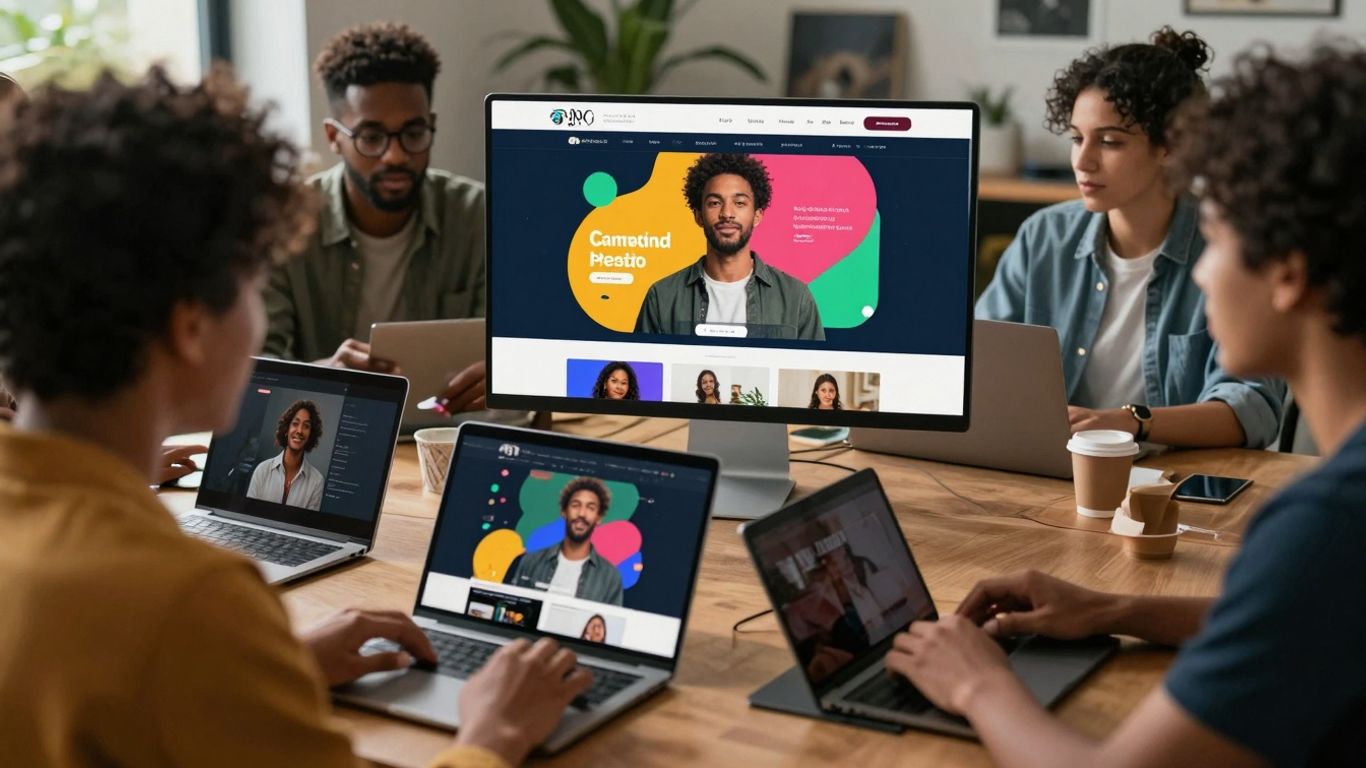
Accessibility as a Standard Requirement
It’s becoming pretty clear that accessibility isn't just a nice-to-have anymore; it’s shaping up to be a baseline expectation for websites. Think about it – as more people come online and as assistive technologies get better, websites that aren't built with everyone in mind are going to get left behind. We're moving towards a future where accessibility features like keyboard navigation, clear alt text for images, and captions for videos won't be optional extras. They'll be part of the standard build process, just like making sure your site works on a phone. This shift means that if you're not thinking about accessibility from the get-go, you're already behind.
Adapting SEO Strategies for Evolving Algorithms
Search engines are getting smarter, and they're increasingly factoring in user experience signals. What does that mean for SEO? Well, it means that things like how easy your site is to use, how quickly it loads, and yes, how accessible it is, are all going to matter more. Algorithms are constantly being tweaked, and they're getting better at recognizing sites that offer a good experience to all users. So, the SEO tactics that worked five years ago might not cut it today. We'll need to keep an eye on how search engines interpret accessibility features and adjust our strategies accordingly. It’s not just about keywords anymore; it’s about creating a genuinely usable site.
Leveraging Tools for Accessibility Audits
Manually checking a website for accessibility issues can be a real chore, and honestly, it’s easy to miss things. That’s where tools come in. We're seeing more and more sophisticated tools that can scan your site and flag potential problems, from missing alt text to poor color contrast. These tools are going to become indispensable for anyone serious about SEO and web design. They help identify issues quickly and efficiently, allowing us to focus our efforts on fixing them. Think of them as your digital accessibility assistants, helping you stay on top of compliance and user experience. Regular audits using these tools will be key to maintaining a high-performing, accessible website.
The digital world is expanding, and with that comes a greater responsibility to ensure everyone can participate. Websites that embrace accessibility aren't just doing the right thing; they're positioning themselves for long-term success in search and user loyalty. It's a win-win, really.
Here's a quick look at how accessibility features are becoming standard:
- Image Alt Text: Providing descriptive text for images so screen readers can convey the image content.
- Keyboard Navigation: Allowing users to navigate and interact with a website using only a keyboard.
- Video Captions & Transcripts: Offering text alternatives for audio content in videos.
- Clear Form Labels: Ensuring form fields are clearly identified for easier completion.
- Sufficient Color Contrast: Making text readable against its background for users with visual impairments.
The future of websites is all about making them easy for everyone to use and find. This means thinking about how people with different needs can access your site and how search engines will see it. Making your website accessible and search-engine friendly is key to reaching more people. Want to learn how to make your site shine? Visit our website today to discover the latest tips and tricks!
Wrapping It Up
So, making your website accessible isn't just some extra thing to do. It's really part of good design and smart SEO these days. When you build a site that everyone can use, no matter their abilities, you're not just doing the right thing ethically. You're also opening your doors to more visitors, making search engines happier, and generally creating a better online space. It’s about being inclusive, and that’s good for business and good for the internet as a whole. Keep these ideas in mind as you build and update your sites.
Frequently Asked Questions
What exactly is website accessibility?
Website accessibility means making sure everyone, including people with disabilities like trouble seeing or hearing, can use and understand your website easily. It's like making sure a building has ramps for wheelchairs so everyone can get inside.
How does making a website accessible help with search engines like Google?
When your website is easy for everyone to use, people tend to stay on it longer and find what they need. This tells Google that your site is helpful and important, which can lead to better rankings. Also, search engines like Google are starting to check if sites are accessible when deciding where to place them in search results.
Is making a website accessible expensive?
While it might seem like extra work at first, making your website accessible can actually save you money in the long run. It helps avoid problems with the law and makes your site work better for more people, which can bring in more visitors and customers.
What are some simple ways to make content more accessible?
You can help by adding descriptions to images so people who can't see them know what they are. For videos, adding captions or written versions of what's said is also a big help. Using clear and simple language makes it easier for everyone to understand.
Why is it important for websites to work well on phones?
Most people use their phones to go online these days. Search engines like Google mostly look at how well your website works on a phone when deciding how to rank it. So, making your website easy to use on a small screen is super important for getting found online.
What's the future of website accessibility and SEO?
In the future, having an accessible website will be a normal thing that everyone expects, not just something extra. Search engines will likely pay even more attention to accessibility. This means websites will need to keep up with changes to stay visible and reach everyone.


Comments
Post a Comment